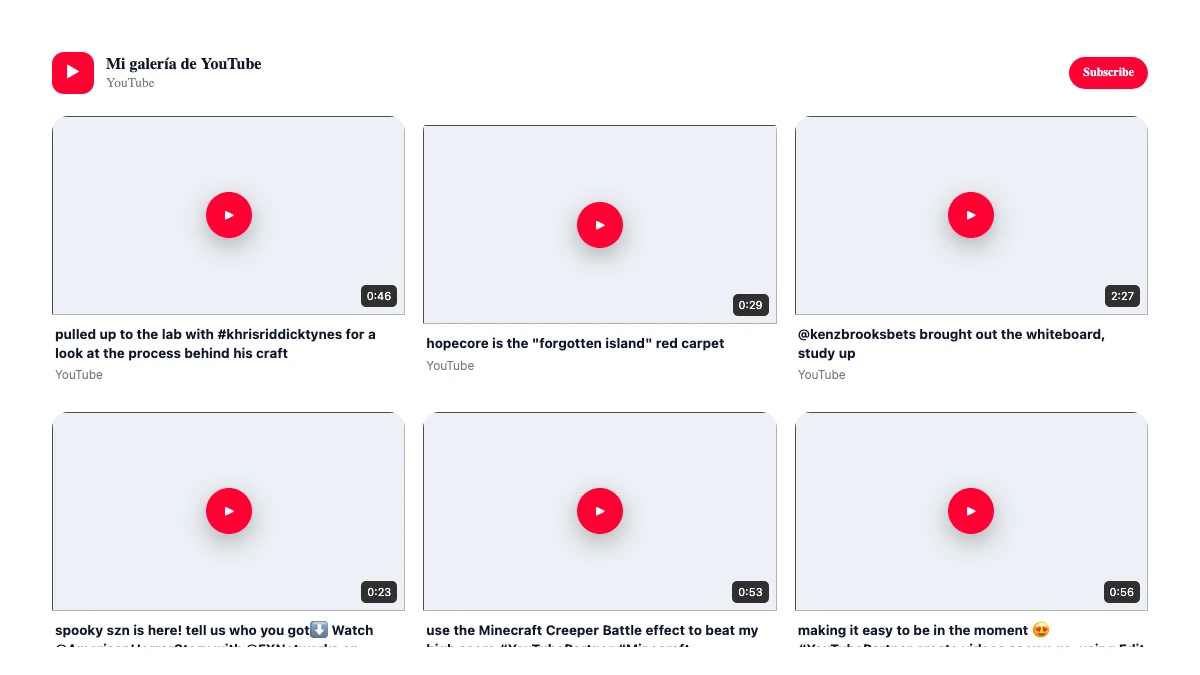
YouTube video gallery
Classic Grid
Ready-to-use design you can customize.
Add WidgetDO widgets to Duda using an HTML widget or code section and manage future changes from one dashboard.
Add modern sharing buttons for social networks, monthsaging apps and other channels.
↗ YouTube GalleryShow YouTube channels, playlists, videos and Shorts with responsive layouts, filters and lightbox playback.
↗ Google MapsAdd maps, locations and points of interest with responsive design and configurable controls.
↗ Instagram FeedEmbed Instagram posts, Reels and carousels in a modern gallery with grid, slider and configurable post styles.
↗ Music PlayerAdd tracks, cover art, playlists and playback controls with multiple player styles.
↗ Social FeedBring content from multiple social networks into one responsive visual feed for your website.
↗Browse real WidgetDO templates from widgets compatible with this platform.
Ready-to-use design you can customize.
Ready-to-use design you can customize.
Ready-to-use design you can customize.
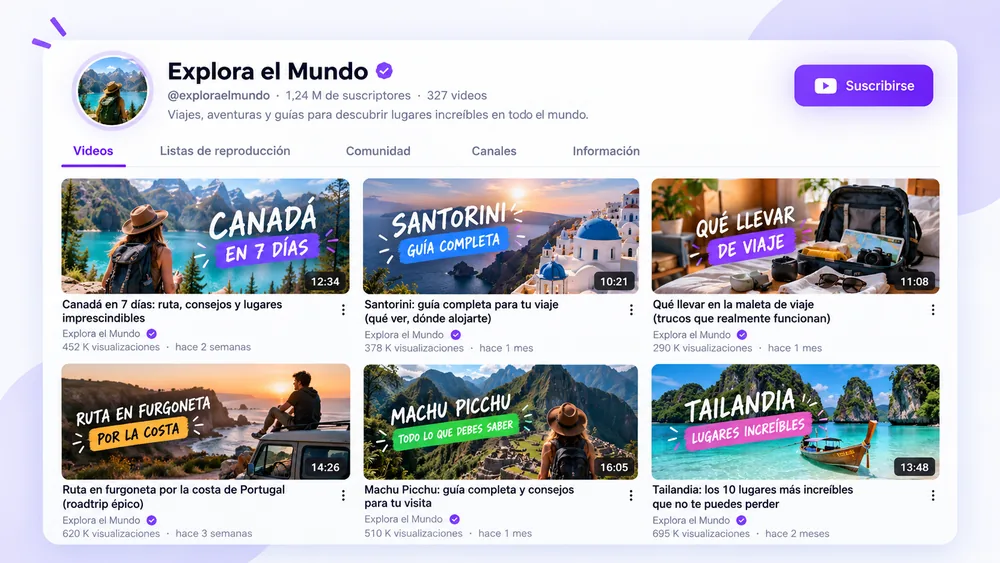
Traditional layout for showcasing videos, channels or playlists in a clear structure.
Display locations with a side panel and integrated map.
Create and publish the widget in WidgetDO.
Copy the generated script and container.
Open Duda and add an HTML widget or code section in the desired location.
Save or publish the changes and verify the widget on the live page.
<script src="https://widgets.prowebrd.com/platform.js?v=3.8.14" async></script>
<div data-widget-id="WIDGET_UUID"></div>