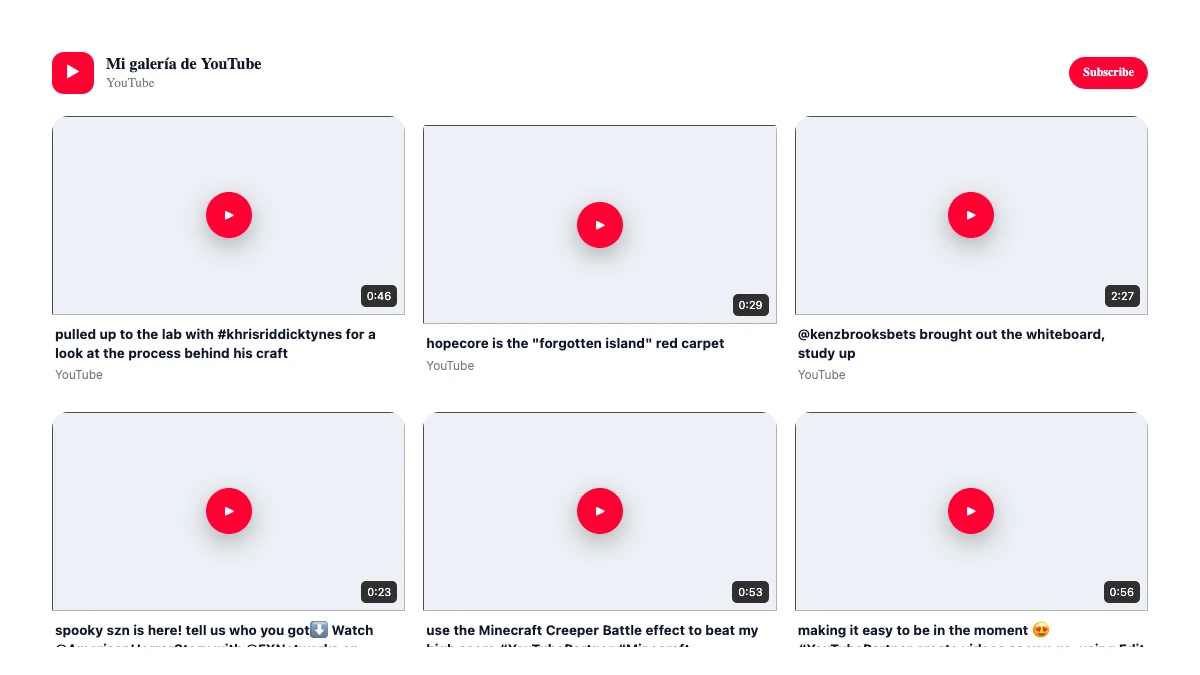
YouTube video gallery
Classic Grid
Ready-to-use design you can customize.
 SQWebsite builder
Add WidgetDO widgets to Squarespace using a Code Block or code-injection area and manage future changes from one dashboard.
Add modern sharing buttons for social networks, monthsaging apps and other channels.
↗ YouTube GalleryShow YouTube channels, playlists, videos and Shorts with responsive layouts, filters and lightbox playback.
↗ Google MapsAdd maps, locations and points of interest with responsive design and configurable controls.
↗ Instagram FeedEmbed Instagram posts, Reels and carousels in a modern gallery with grid, slider and configurable post styles.
↗ Music PlayerAdd tracks, cover art, playlists and playback controls with multiple player styles.
↗ Social FeedBring content from multiple social networks into one responsive visual feed for your website.
↗Browse real WidgetDO templates from widgets compatible with this platform.
Ready-to-use design you can customize.
Ready-to-use design you can customize.
Ready-to-use design you can customize.

Traditional layout for showcasing videos, channels or playlists in a clear structure.
Display locations with a side panel and integrated map.
Create and publish the widget in WidgetDO.
Copy the generated script and container.
Open Squarespace and add a Code Block or code-injection area in the desired location.
Save or publish the changes and verify the widget on the live page.
<script src="https://widgets.prowebrd.com/platform.js?v=3.8.14" async></script>
<div data-widget-id="WIDGET_UUID"></div>