Widget for Laravel
Youtube video gallery for Laravel
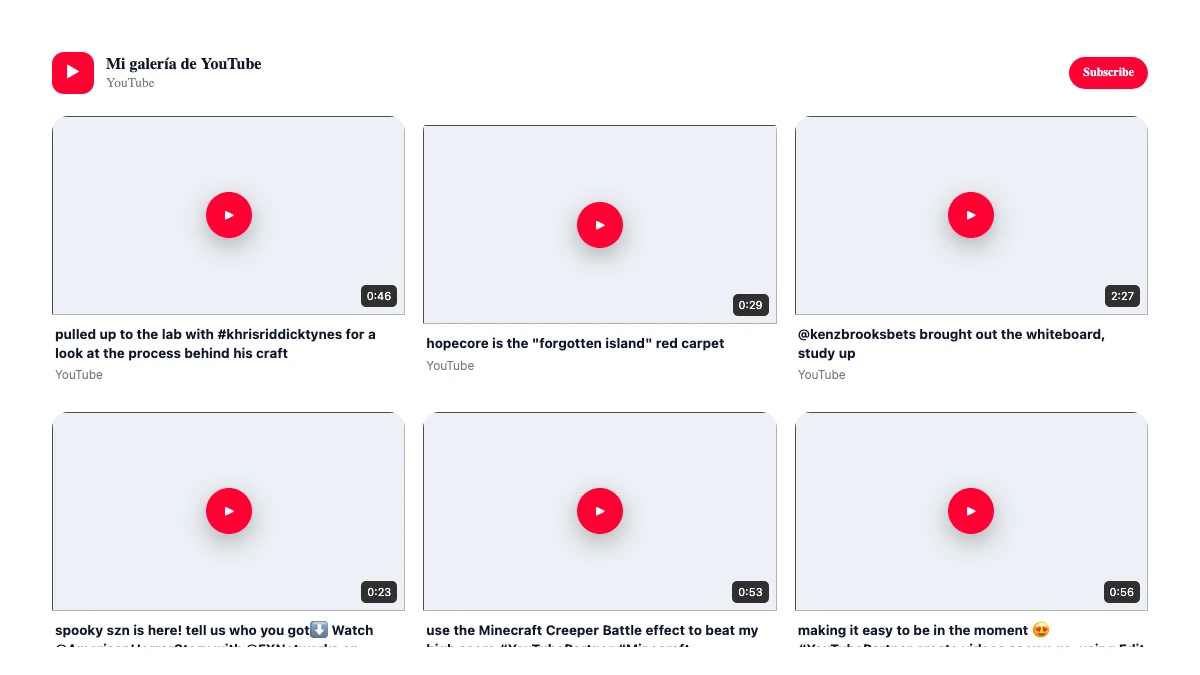
Create youtube video gallery for Laravel with WidgetDO. Show YouTube channels, playlists, videos and Shorts with responsive layouts, filters and lightbox playback. Use the platform-specific installation guide below and keep future changes managed from WidgetDO.
No credit card
Visual editor
Responsive
✓
Ready to publish
Laravel
What you can build
Why use YouTube video gallery on Laravel
Show YouTube channels, playlists, videos and Shorts with responsive layouts, filters and lightbox playback.
Use cases
Ways to use YouTube video gallery on Laravel
Use the widget where it adds context, conversion or a better content experience without rebuilding the page.
Configure it once in WidgetDO and keep future updates centralized.
Configure it once in WidgetDO and keep future updates centralized.
Compatible templates
View all 20 templates →
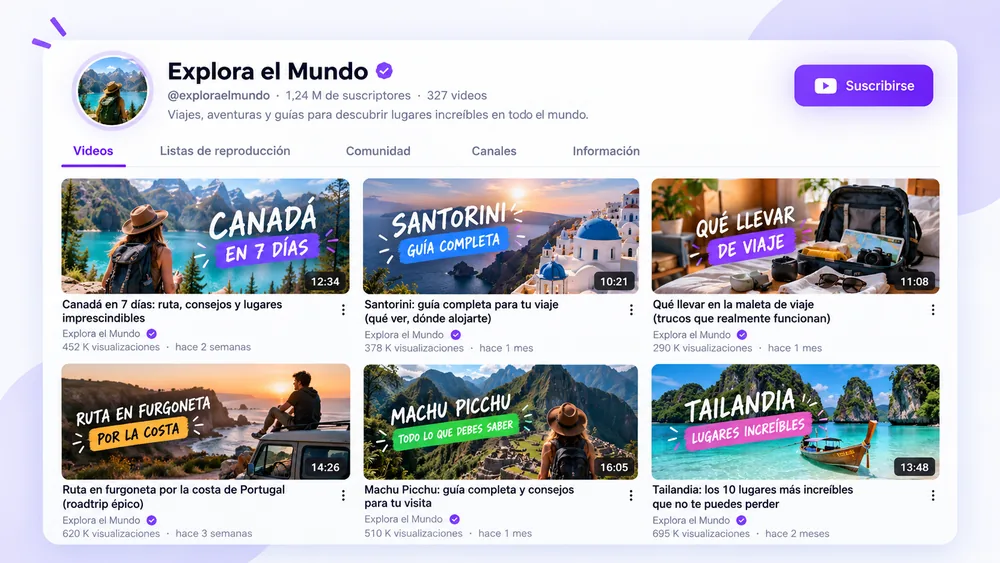
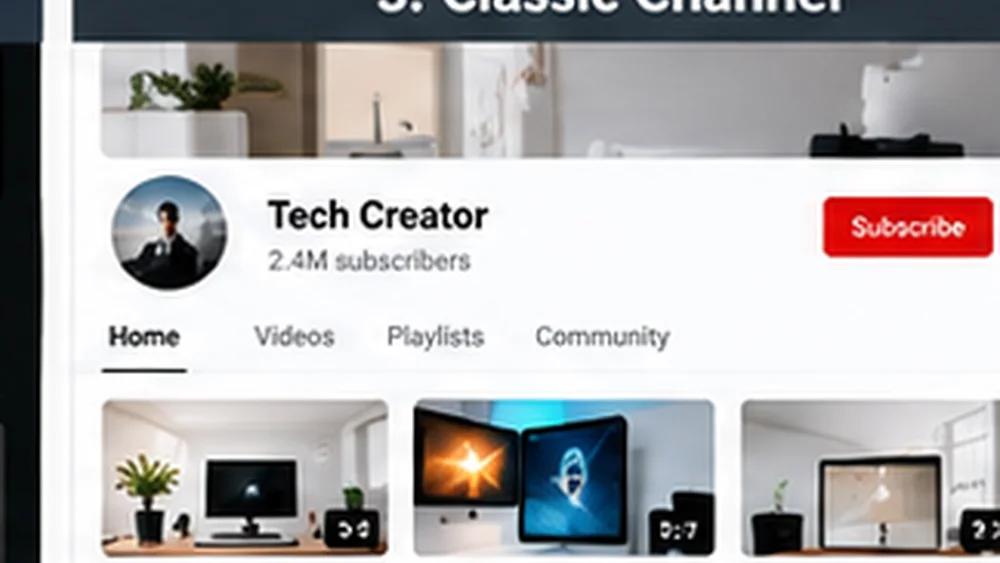
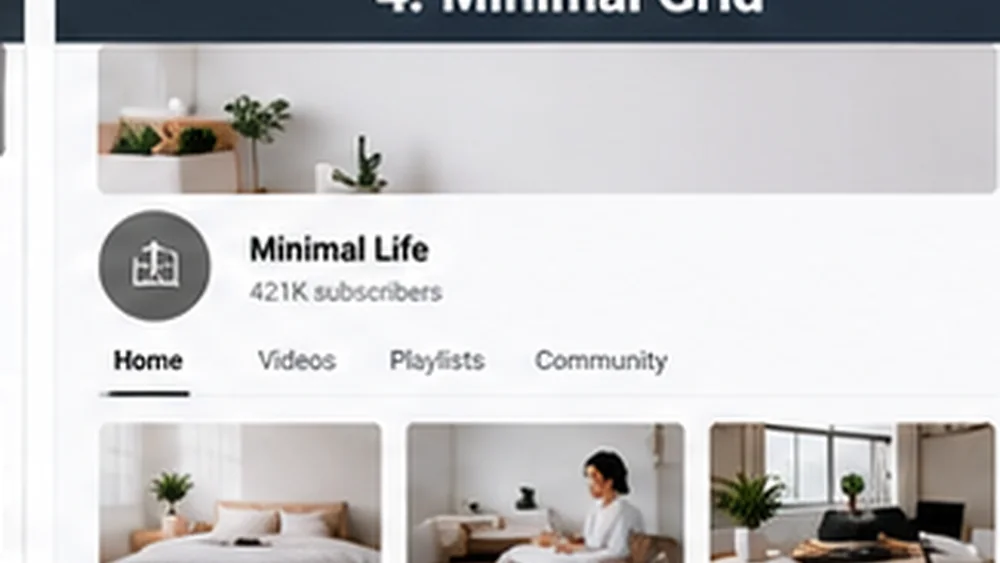
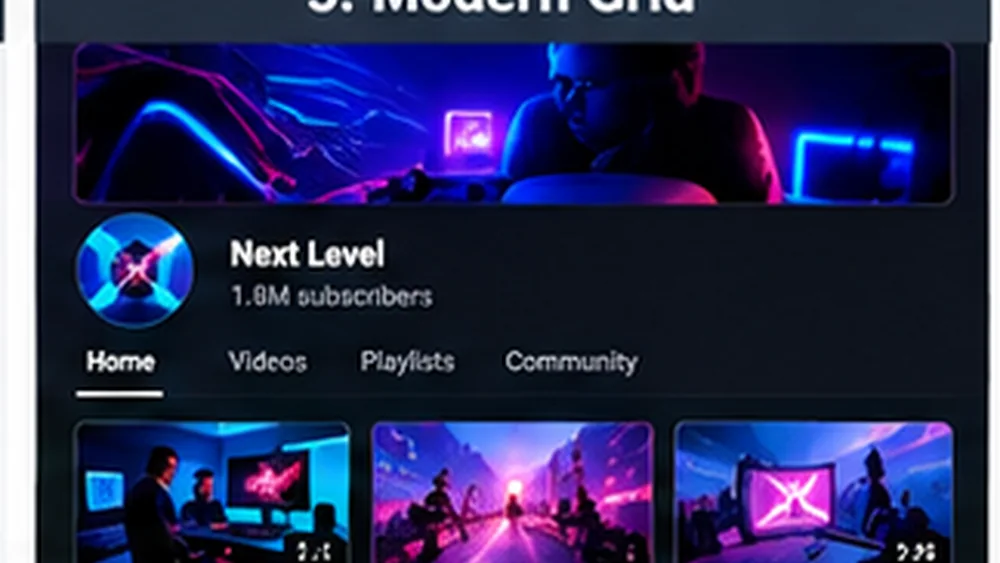
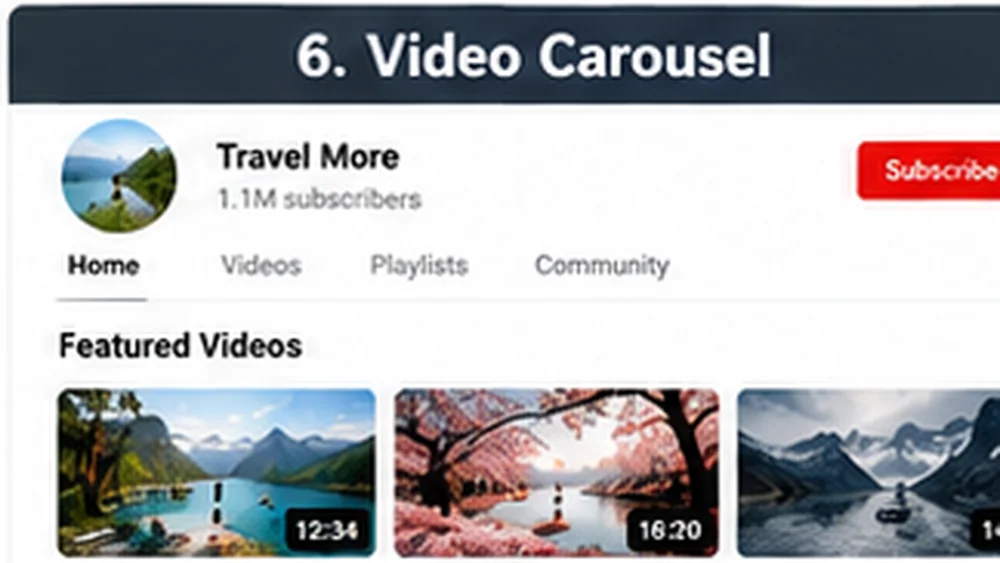
Choose a YouTube video gallery template for Laravel
The design is the same WidgetDO template. Only the installation method changes for this platform.
Installation
How to add YouTube video gallery to Laravel
Add WidgetDO widgets to Laravel using a Blade view or HTML template and manage future changes from one dashboard.
-
01
Create and publish the widget in WidgetDO.
-
02
Copy the generated script and container.
-
03
Open Laravel and add a Blade view or HTML template in the desired location.
-
04
Save or publish the changes and verify the widget on the live page.
<script src="https://widgets.prowebrd.com/platform.js?v=3.8.14" async></script>
<div data-widget-id="WIDGET_UUID"></div>
WidgetDO
→
Laravel
→
Published
One code, full control
Customize in WidgetDO. Keep your page clean.
After installation, manage content, design and behavior from the WidgetDO editor.
See changes while you configure the widget.
Choose the websites where a widget may load.
Track views and supported interactions from your account.
FAQ
Questions about this integration
How do I add youtube video gallery to Laravel?+
Create and publish the widget in WidgetDO, copy the reusable embed code and place it in the custom-code area supported by Laravel. The guide on this page shows the platform-specific steps.
Is YouTube video gallery responsive on Laravel?+
Yes. WidgetDO widgets are designed to adapt to desktop, tablet and mobile layouts, while the final result also depends on the width and rules of the container used by the website.
Do I have to replace the embed code after editing the widget?+
Normally no. Edit and publish the widget from WidgetDO and keep the same widget ID and embed code on the website.
Can I restrict where the widget is displayed?+
Yes. WidgetDO supports authorized websites and plan limits so you can control where a published widget is allowed to load.